
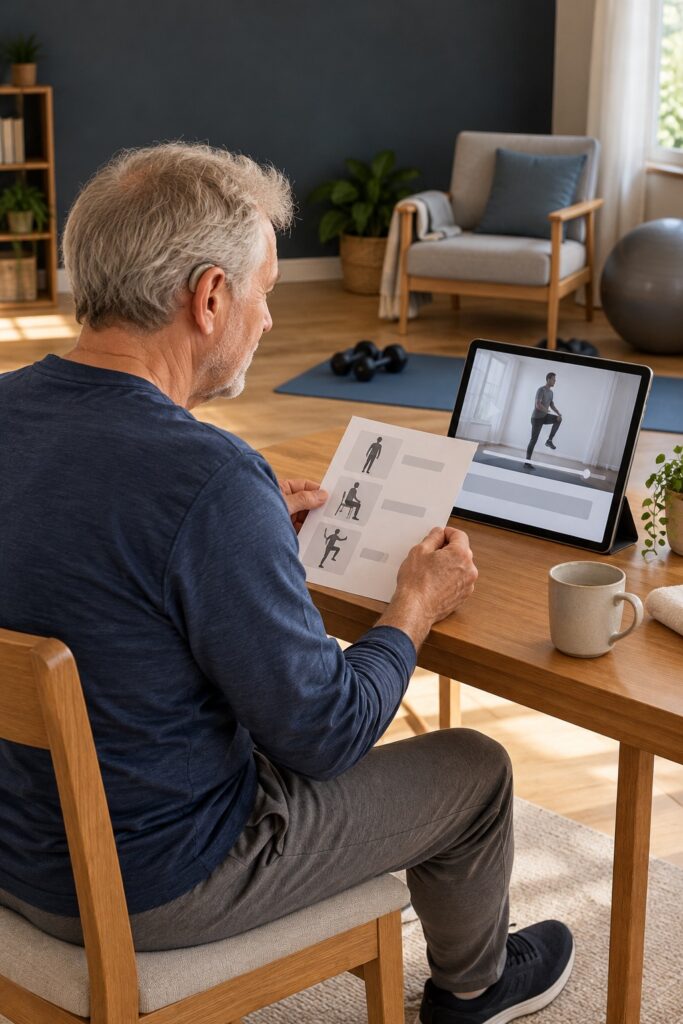
A caption button is a promising start, but I would not use it as the whole test of a workout video. The important question is whether you can receive the instruction at the moment you need it, on the screen and in the position you will actually use.
I’ll help you preview that experience without pretending I have tested particular services or know your access needs. This is about choosing understandable instruction, not deciding which exercises are medically suitable for you.
Start with your preferred way to receive information
Some people want accurate captions. Some use a particular sign language. Others find clear demonstrations, visible countdowns, written previews or a combination most useful. Hearing loss does not give everyone the same preferences.
Name the essentials before searching. For example: “I need captions large enough on my television, visible transitions and time to read before the movement starts.” If you want sign-language instruction, check which sign language is provided rather than treating signing as universal.
Check the words, the demonstration and the controls
W3C explains that captions include speech and the non-speech audio needed to understand content, synchronised with the presentation. In a workout, useful information may include a spoken change of direction or a relevant timing cue. A music label alone does not explain what your body is being asked to do.
Automatic captions can contain errors; W3C specifically warns that uncorrected automatic captions are not sufficient. Preview important instructions rather than assuming every visible sentence is accurate. A wrong number, omitted instruction or missing negative can matter.
Then look at the image. Are the relevant body parts in view? Does the instructor show the next movement clearly? Finally, check the player: can you pause, replay and read the captions without an awkward rush?
Preview the transitions, not just the welcome
An introduction may be easy to follow while the session itself depends on shouted cues over music. Jump to a few transitions during your preview. Does the next instruction appear before the change, or only after the instructor has already moved?
Watch for changes in position as well as changes in exercise. If following the movement requires looking away from the screen, captions alone may not provide usable instruction at that moment. I would not suggest twisting your neck or holding an unsuitable position just to keep reading. Pause to review, choose a more workable presentation or ask for suitable individual guidance.
Make the trial about access, not endurance
You can inspect much of a video while seated and not exercising. Check the opening, a transition and the ending. If you later try a short suitable section, the purpose is to see whether the instructions arrive clearly, not to prove that you can keep up with the whole session.
Use your real setup. Caption size on a phone held close may look very different on a television across the room. Check contrast, glare and whether player controls cover text or the demonstration. Confirm that captions remain available when casting or downloading if those are features you intend to use.
Compare two fictional videos
Video A has polished music and captions, but the text arrives after each movement change and the instructor’s feet are often out of frame. Video B is simpler: it previews each movement, gives a visible countdown and keeps the full demonstration in view. For someone who needs early visual cues, B may be more usable despite looking less elaborate.
That is an imaginary comparison, not an endorsement. Another reader may need sign-language instruction neither video provides. The right decision is based on the person’s actual requirements, not on which example I made sound appealing.
Ask the provider something answerable
Try: “Are captions checked by a person, can I resize them on my device, and is there a full sample that includes transitions?” If signing is advertised, ask about the language and whether it is present throughout the exercise instruction.
For feedback, give a timestamp and a concrete obstacle: “At 04:20 the direction changes before the caption appears.” That is easier to investigate than saying the whole service is inaccessible. Share only the personal information needed to explain the access requirement.
Keep a small decision card
- My essential communication requirements.
- Device, screen position and player mode checked.
- Caption accuracy and readability observed.
- Transition cues and demonstration visibility observed.
- Pause and replay controls tested.
- Any question that must be resolved before paying.
Cost and cancellation still matter, so my fitness-app audition can help with that side. But a discount cannot make missing instruction usable. I want you to have a fair chance to understand what is being taught, with permission to choose another format when the video does not provide it.
MarGo! Moments is a non-medical lifestyle publication. This article is general information, not individualized medical advice or an exercise prescription. Consult an appropriately qualified professional for advice about your own health.
MarGo! editorial feature · AI-assisted, in the MarGo! first-person voice. Not a personal experience or product test unless stated.